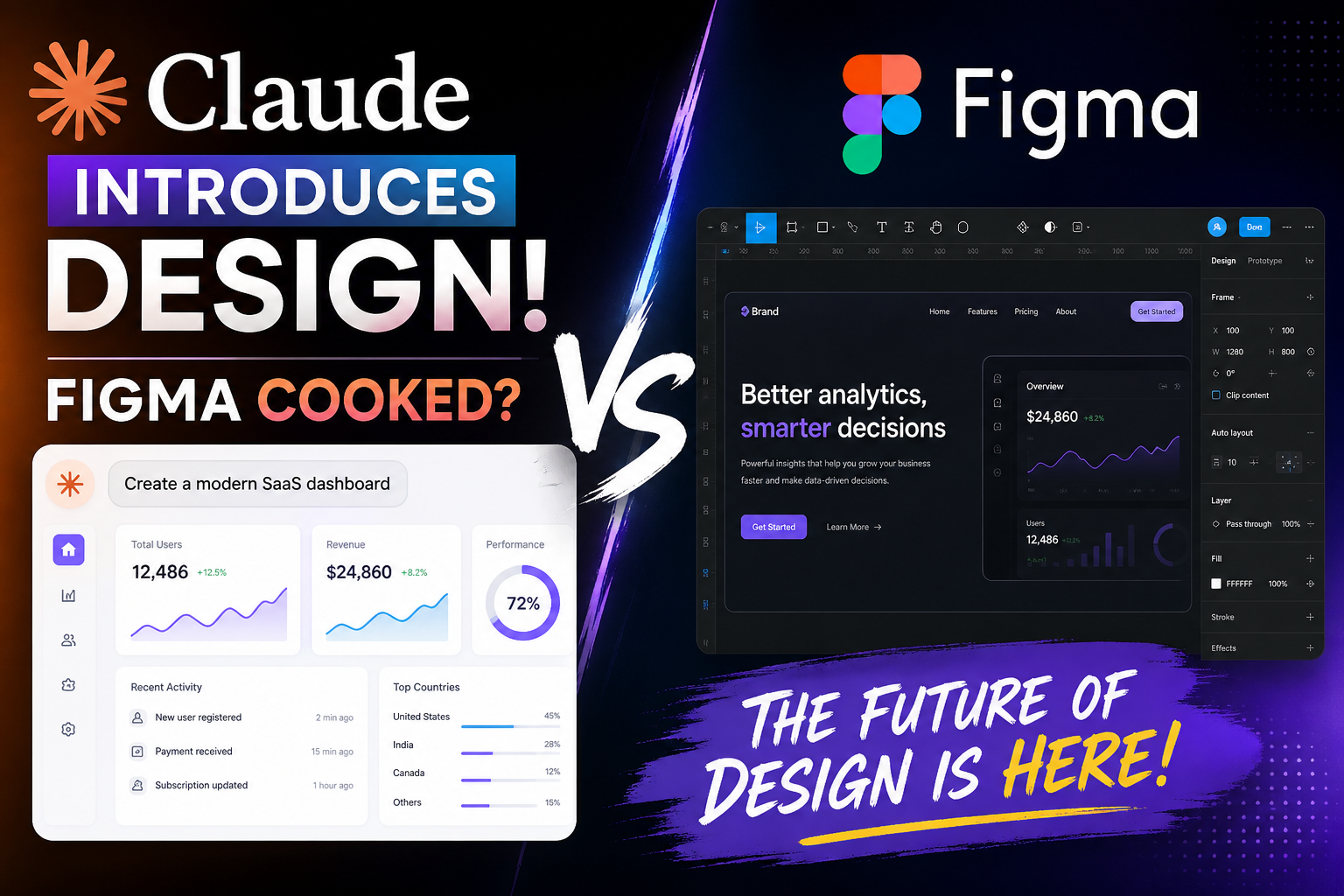
The design world is buzzing after Anthropic’s Claude AI announcement introduced powerful new design-generation capabilities. Many creators, developers, and startups are now asking one big question:
“Is Figma cooked?”
With AI tools rapidly evolving, it’s easy to assume traditional design platforms are about to disappear. But the reality is more interesting — and far more competitive.
Let’s break down what Claude Design actually means for the future of UI/UX design, how it compares to Figma, and whether AI is replacing designers or simply changing the game.
What Is Claude Design?
Claude Design is part of the growing movement of AI-powered creative tools that can generate:
- UI layouts
- Website wireframes
- Landing pages
- App interfaces
- Component structures
- Design suggestions
- Code-ready mockups
Instead of manually dragging elements around a canvas for hours, users can simply type prompts like:
“Create a modern SaaS dashboard with dark mode and analytics cards.”
And within seconds, AI generates a usable interface concept.
This changes the workflow dramatically for:
- Startups
- Freelancers
- Agencies
- Developers
- Product teams
Especially those wanting rapid prototyping without spending days inside traditional design software.
Why People Are Saying “Figma Is Cooked”
The phrase “Figma cooked” is internet slang meaning:
“Figma might be finished because AI is replacing it.”
Here’s why people are reacting so strongly:
1. AI Is Much Faster
Traditional design workflows can take hours or days.
AI tools can generate:
- Layouts
- Components
- Typography systems
- Color palettes
- Responsive structures
…in under a minute.
For fast-moving startups, this is huge.
2. Developers Can Skip Designers
One major shift is that developers can now:
- Describe a UI in plain English
- Generate layouts instantly
- Export code faster
This reduces the gap between idea and execution.
Tools powered by AI are making it easier for solo founders to build products without large design teams.
3. Rapid Iteration Is Becoming the Norm
AI allows endless experimentation:
- “Make it more modern”
- “Use Apple-style spacing”
- “Add glassmorphism”
- “Convert to dark mode”
Instead of redesigning manually, users can iterate conversationally.
That’s a massive workflow change.
But Is Figma Really Dead?
Not even close.
Figma still dominates professional UI/UX collaboration for several reasons.
Why Figma Still Matters
1. Team Collaboration
Figma isn’t just a design app.
It’s an ecosystem for:
- Designers
- Developers
- Product managers
- Stakeholders
Real-time collaboration remains one of Figma’s biggest strengths.
AI-generated screens alone don’t replace enterprise workflows.
2. Design Systems Are Still Critical
Large companies rely on:
- Component libraries
- Brand consistency
- Design tokens
- Accessibility systems
AI can generate designs quickly, but maintaining scalable systems still requires structured tooling.
Figma excels here.
3. Precision Editing Matters
AI is great for:
- First drafts
- Concepts
- Inspiration
But production-level products still need:
- Pixel-perfect spacing
- UX refinement
- Accessibility testing
- Interaction logic
- Human decision-making
Professional design is more than aesthetics.
The Real Future: AI + Figma Together
The most likely outcome is not:
“AI replaces Figma.”
Instead:
“AI becomes part of Figma workflows.”
In fact, most modern design tools are already integrating AI features:
- Auto layout suggestions
- AI-generated components
- Smart prototyping
- Content generation
- Design-to-code workflows
The future is collaborative AI, not total replacement.
What This Means for Designers
If you’re a UI/UX designer, this is not the end.
It’s a shift.
The designers who thrive will focus on:
- Product thinking
- User psychology
- UX strategy
- Accessibility
- Systems design
- Brand identity
- Human-centered experiences
AI handles repetitive execution.
Humans handle vision and decision-making.
What This Means for Developers
For developers, this is a massive opportunity.
AI tools like Claude Design can help:
- Generate landing pages faster
- Build MVPs rapidly
- Create UI inspiration
- Speed up frontend workflows
- Reduce design bottlenecks
Especially for WordPress, SaaS, and startup development, AI-assisted workflows can dramatically increase productivity.
SEO Impact: Why AI Design Tools Matter
AI-generated design will also influence SEO and web performance.
Modern AI systems increasingly prioritize:
- Clean layouts
- Mobile responsiveness
- Accessibility
- Faster UX
- Better structure
This can improve:
- Core Web Vitals
- User engagement
- Bounce rates
- Conversion optimization
Businesses adopting AI-assisted design early may gain a competitive advantage.
Final Verdict: Is Figma Cooked?
No.
But the industry is changing fast.
Claude Design and other AI tools are transforming how websites, apps, and interfaces are created.
The future belongs to creators who combine:
- AI speed
- Human creativity
- UX understanding
- Technical execution
AI won’t kill design.
It will redefine who designs faster.
And honestly?
That’s exciting.