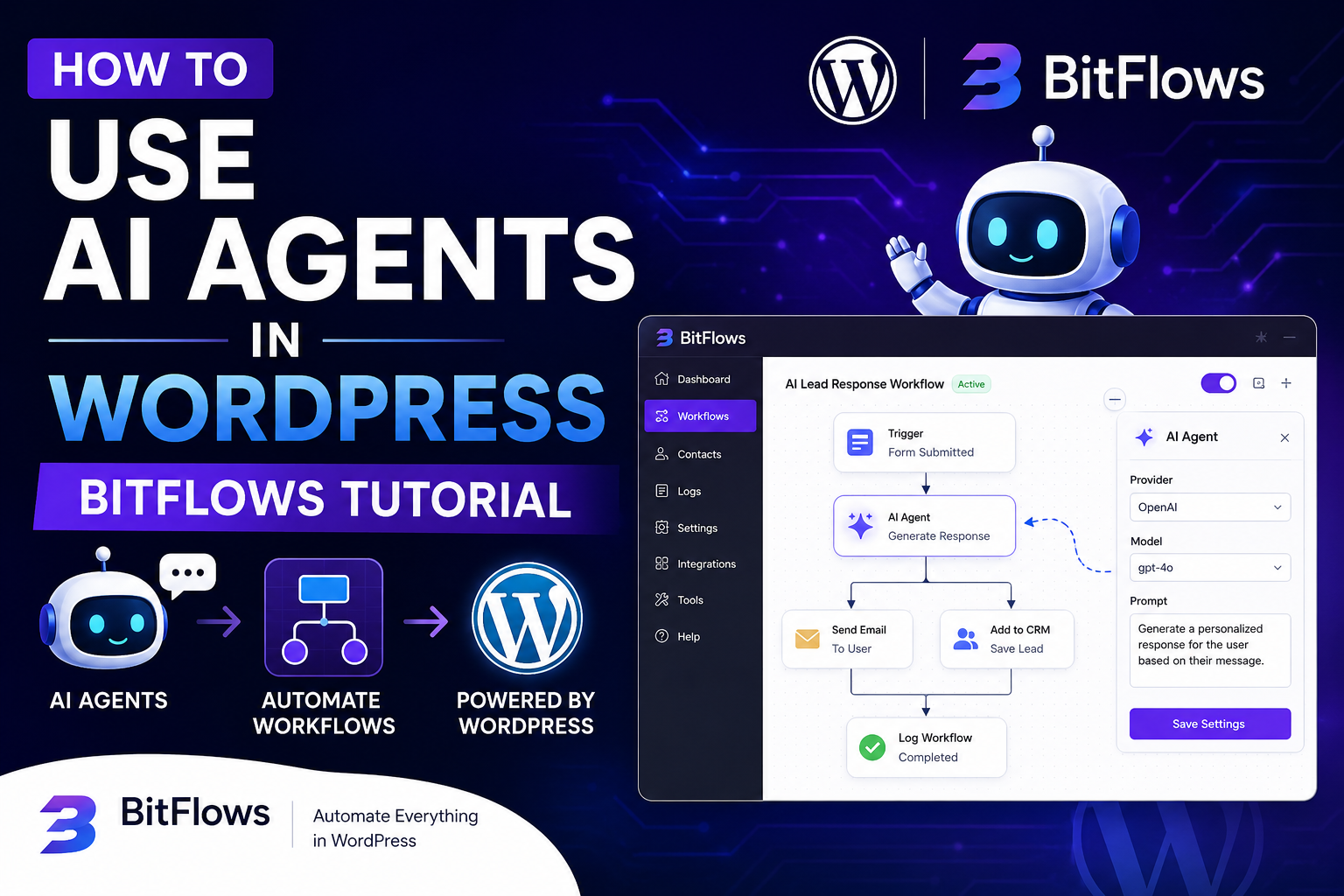
Artificial Intelligence is rapidly transforming how websites work, automate tasks, and interact with users. If you’re a WordPress developer, agency owner, or business owner, integrating AI Agents into your workflow can save hours of manual work and dramatically improve productivity.
In this tutorial, we’ll explore how to use AI Agents in WordPress using BitFlows — one of the most powerful automation tools for WordPress.
Whether you want to automate customer support, content creation, lead management, or workflow automation, this guide will help you get started.
What Are AI Agents in WordPress?
AI Agents are intelligent systems powered by AI models like:
- ChatGPT
- Claude AI
- Gemini
- OpenAI APIs
These agents can:
- Respond to users automatically
- Generate content
- Process form submissions
- Automate workflows
- Connect apps together
- Make decisions based on conditions
Instead of manually handling repetitive tasks, AI Agents work automatically in the background.
What Is BitFlows?
BitFlows is a WordPress automation plugin that allows you to connect:
- WordPress plugins
- Forms
- APIs
- CRMs
- AI tools
- Marketing platforms
Think of it as:
“Zapier for WordPress.”
BitFlows makes it easy to create automated workflows without complicated coding.
Why Use AI Agents With WordPress?
Using AI Agents inside WordPress offers several advantages:
1. Automate Repetitive Tasks
AI can automatically:
- Reply to leads
- Process support tickets
- Send emails
- Generate summaries
- Create blog outlines
This saves time and reduces manual work.
2. Improve User Experience
AI-powered chatbots and assistants can:
- Answer customer questions instantly
- Recommend products
- Guide users through your website
This increases engagement and conversions.
3. Boost Productivity
Developers and marketers can automate:
- Content workflows
- Lead generation
- CRM updates
- Email marketing tasks
This allows teams to focus on higher-value work.
How to Use AI Agents in WordPress With BitFlows
Let’s go step-by-step.
Step 1: Install BitFlows Plugin
First, install the BitFlows plugin on your WordPress website.
Installation Steps:
- Login to your WordPress dashboard
- Go to:
Plugins → Add New - Upload or install BitFlows
- Activate the plugin
Once activated, you’ll see BitFlows inside your WordPress admin panel.
Step 2: Connect Your AI Provider
Next, connect your preferred AI service.
Common AI providers include:
- OpenAI
- Claude AI
- Gemini
- Other AI APIs
Usually, you’ll need:
- API Key
- API Endpoint
- Authentication settings
After connecting, BitFlows can send and receive AI-generated responses automatically.
Step 3: Create Your First AI Workflow
Now it’s time to build automation.
Example workflow:
Trigger:
User submits a contact form
AI Action:
AI generates:
- Personalized response
- Lead summary
- Support answer
Final Action:
Send data to:
- CRM
- Slack
- Google Sheets
- Database
This entire process can happen automatically within seconds.
Example Use Cases for AI Agents in WordPress
Here are some powerful real-world examples.
AI Customer Support Assistant
You can build an AI support system that:
- Answers FAQs
- Handles common issues
- Reduces support workload
Perfect for:
- WooCommerce stores
- SaaS websites
- Service businesses
AI Content Generator
Automatically generate:
- Blog outlines
- Meta descriptions
- Product descriptions
- Social media captions
This helps speed up content marketing workflows.
AI Lead Qualification
When users submit forms, AI can:
- Analyze lead quality
- Categorize inquiries
- Send leads to different teams
This improves sales automation.
AI Email Automation
AI can write:
- Welcome emails
- Follow-ups
- Support replies
- Marketing sequences
This creates smarter email workflows.
Best Practices for Using AI Agents in WordPress
1. Keep Prompts Clear
The quality of AI output depends heavily on your prompts.
Use:
- Clear instructions
- Specific goals
- Structured formatting
Better prompts = better automation.
2. Test Your Workflows
Always test:
- API connections
- AI responses
- Error handling
- Form integrations
This prevents broken automations.
3. Monitor AI Outputs
AI is powerful, but not perfect.
Review:
- Generated content
- Customer responses
- Automated decisions
Human oversight is still important.
SEO Benefits of AI Automation
AI-powered workflows can improve SEO indirectly by helping you:
- Publish content faster
- Improve user engagement
- Generate optimized metadata
- Reduce bounce rates
- Improve site responsiveness
Combined with WordPress SEO plugins, AI automation can streamline content production significantly.
Is BitFlows Good for Beginners?
Yes.
One of the biggest advantages of BitFlows is its beginner-friendly workflow builder.
You don’t need advanced coding skills to:
- Connect apps
- Create automations
- Use AI APIs
- Build workflows
Developers can also create advanced custom automations if needed.
Final Thoughts
AI Agents are changing how WordPress websites operate.
With tools like BitFlows, you can automate workflows, improve customer experiences, and save countless hours of manual work.
Whether you run:
- A WooCommerce store
- A business website
- A SaaS platform
- A marketing agency
AI-powered WordPress automation is becoming essential.
The future of WordPress is not just websites anymore.
It’s intelligent automation powered by AI.